Skip to content
✓ FREE RESOURCE

n8n WhatsApp Auto-Order Intake Schema

Haider Ali Avatar
Haider Ali Lead Developer
Released on June 25, 2026

A workflow blueprint for WhatsApp catalog sync, customer data validation, and writing to Google Sheets and Supabase. For local retail operators.

What you will unlock:

  • Step-by-step 3-stage intake node configurations
  • Pre-configured Google Sheets & Supabase SQL write blocks
  • Built-in catalog inventory validation check script
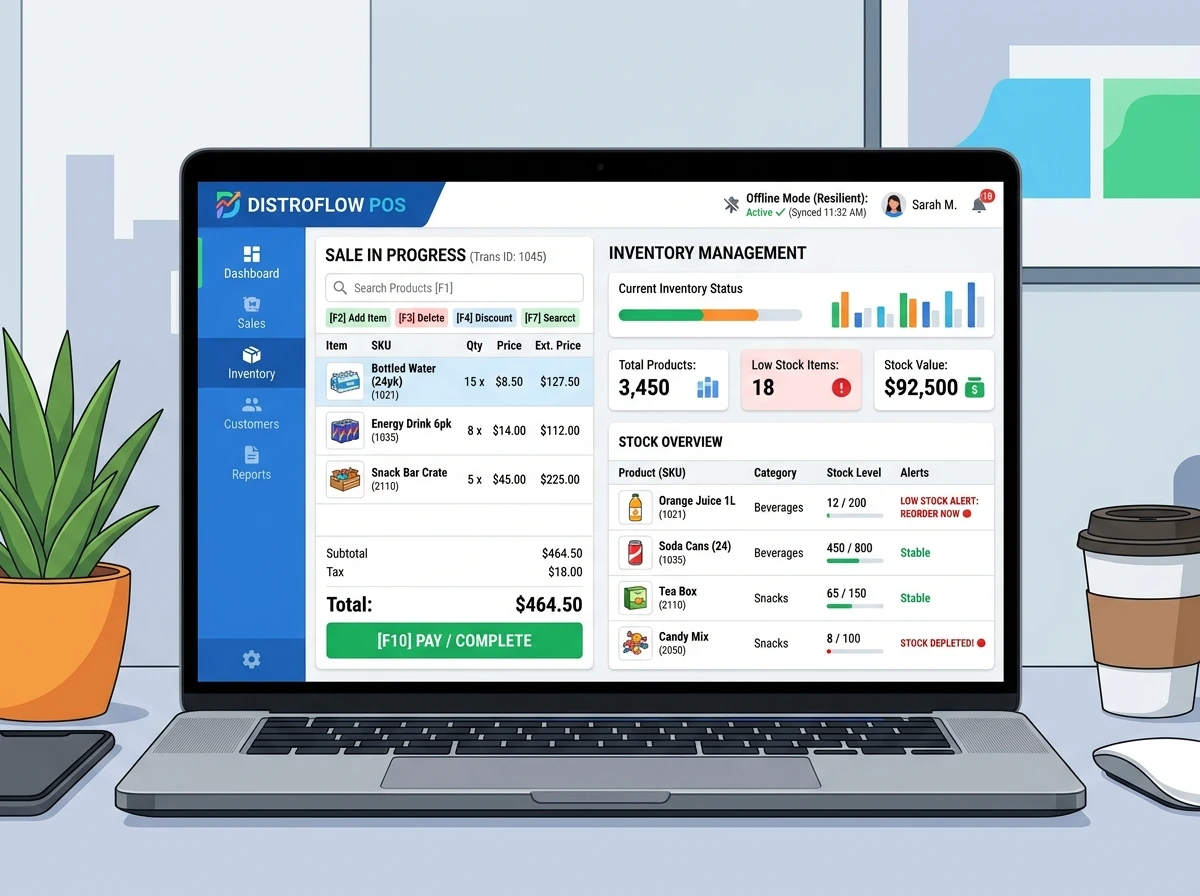
n8n WhatsApp Auto-Order Intake Schema Mockup Preview
Resource Vault

System Outlines & Snippets

Here is the chapter outline and structured content within this premium integration file.

Table of Contents:

  1. Chapter 1: Trigger Webhook Configs
  2. Chapter 2: JavaScript Data Validation Node
  3. Chapter 3: Supabase & Google Sheets Write Pipeline
  4. Chapter 4: Supabase & Google Sheets

📄 Excerpt: Chapter 1 Preview

The workflow begins with an active Webhook Trigger node designed to capture raw HTTP POST payloads transmitted from the official WhatsApp Business Cloud API. We configure the webhook endpoint...

System Blueprint

WhatsApp Auto-Order Intake Schema

This guide provides the exact JSON schema and layout diagram to host an automated order intake pipeline on n8n.

Blueprint Details

  1. Trigger Node: Webhook catching JSON payloads from WhatsApp Business Cloud API.
  2. Validator Switch: JavaScript check evaluating phone numbers, addresses, and catalog availability.
  3. Database Insertion: SQL nodes pushing records into a relational Postgres schema.
GET RESOURCE UPDATES

Want this as a downloadable PDF?

Drop your email and we'll send it directly to you.

Frequently Asked Questions

Is this Smesh.Dev n8n WhatsApp Auto-Order Intake Schema free to download?

Yes. Smesh.Dev provides this n8n WhatsApp Auto-Order Intake Schema for free. Simply submit your contact details to receive the direct download link instantly.

Can I customize this automation workflow?

Yes, all Smesh.Dev system templates, database schemas, and workflows are fully customizable and developer-friendly. You can edit nodes, queries, and integrations in your local workspace.

Do I need coding experience to use this?

While basic technical familiarity with n8n, Supabase, or JSON configuration is helpful, Smesh.Dev blueprints are designed with clear triggers and parameters to make deployment as smooth as possible.