Offline-First Local POS Sync Guide
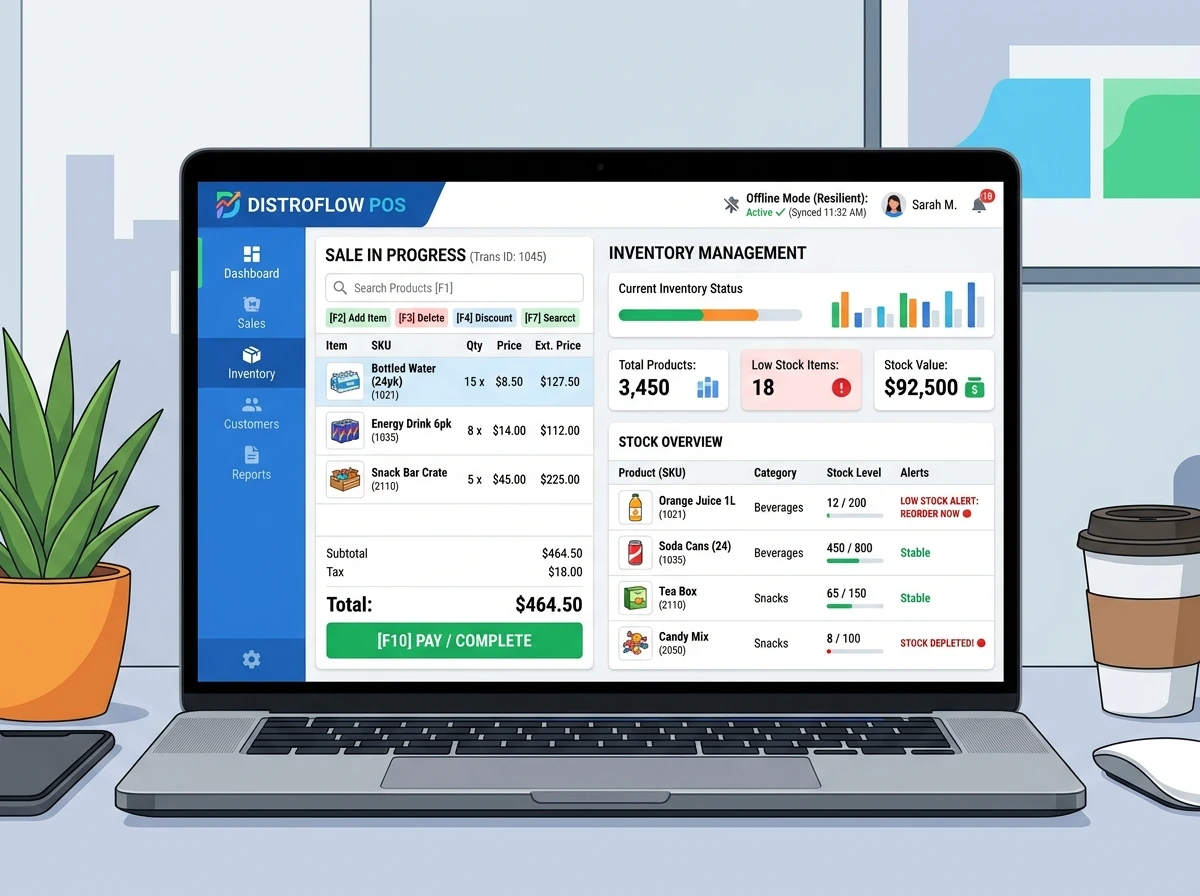
A detailed architectural manual mapping transaction queue stores, offline databases, conflict resolution strategies, and remote Supabase syncing for retail business.
What you will unlock:
- ✓ Offline SQLite queue structures for retail transactions
- ✓ Step-by-step automatic network recovery sync scripts
- ✓ Conflict resolution strategy checklist for inventory values
System Outlines & Snippets
Here is the chapter outline and structured content within this premium integration file.
Table of Contents:
- Chapter 1: Local SQLite Queue Setup
- Chapter 2: Connectivity Heartbeat Logic
- Chapter 3: Batch Sync Synchronization Protocol
📄 Excerpt: Chapter 1 Preview
To ensure zero transaction loss during active internet outages, local sales terminals write transaction records directly into an offline SQLite queue file. This transaction database...
Offline-First Local POS Sync Guide
This handbook outlines how to configure a robust synchronization protocol for point-of-sale systems operating under unstable network connections.
Sync Cycle Model
- Local Queue Write: Transaction stored in SQLite queue alongside offline states.
- Connectivity Heartbeat: Service checking remote database accessibility.
- Transaction Batching: Push pending transactions sequentially inside safe database updates.
Found this guide useful?
Get notified when we publish more like this.
Frequently Asked Questions
Is this Smesh.Dev Offline-First Local POS Sync Guide free to download?
Yes. Smesh.Dev provides this Offline-First Local POS Sync Guide for free. Simply submit your contact details to receive the direct download link instantly.
Can I customize this automation workflow?
Yes, all Smesh.Dev system templates, database schemas, and workflows are fully customizable and developer-friendly. You can edit nodes, queries, and integrations in your local workspace.
Do I need coding experience to use this?
While basic technical familiarity with n8n, Supabase, or JSON configuration is helpful, Smesh.Dev blueprints are designed with clear triggers and parameters to make deployment as smooth as possible.