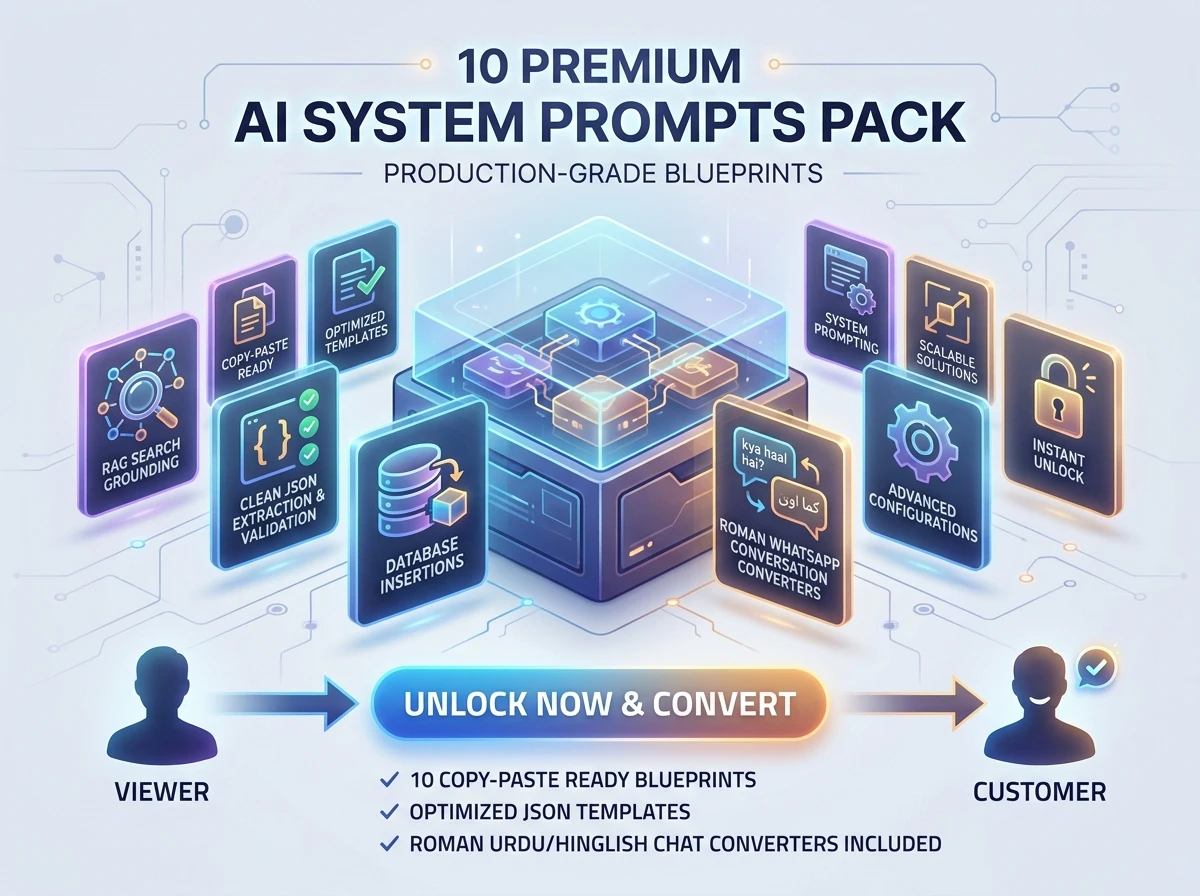
Use this battle-tested configuration blueprint and system prompt to ground your LLM agents in custom database contexts. This setup minimizes hallucination risks, enforces strict boundaries, and optimizes retrieval accuracy using PostgreSQL + pgvector.
1. Database Architecture & Retrieval Script
Before querying the LLM, you need a robust database schema and an optimized function to fetch the most relevant context chunks using cosine similarity.
SQL Schema & Ingestion Script
Execute the following script in your Supabase SQL Editor to enable pgvector, set up the documentation table, and deploy the highly optimized matching function:
-- 1. Create extension for semantic search (Vector Embeddings)
CREATE EXTENSION IF NOT EXISTS pgvector;

-- 2. Create the documentation table to store text chunks and embeddings
CREATE TABLE IF NOT EXISTS documents (
    id UUID PRIMARY KEY DEFAULT gen_random_uuid(),
    content TEXT NOT NULL, -- The actual text content chunk
    metadata JSONB,       -- For tracking source URLs, titles, categories
    embedding VECTOR(1536), -- Designed for OpenAI text-embedding-3-small / text-embedding-ada-002
    created_at TIMESTAMP WITH TIME ZONE DEFAULT NOW()
);

-- 3. Create an HNSW index for high-performance scale (Optional but recommended for production)
CREATE INDEX IF NOT EXISTS documents_embedding_hnsw_idx
ON documents USING hnsw (embedding vector_cosine_ops);

-- 4. Create search query function
CREATE OR REPLACE FUNCTION match_documents (
  query_embedding vector(1536),
  match_threshold float,
  match_count int
)
RETURNS TABLE (
  id uuid,
  content text,
  metadata jsonb,
  similarity float
)
LANGUAGE sql STABLE
AS $$
  SELECT
    documents.id,
    documents.content,
    documents.metadata,
    1 - (documents.embedding <=> query_embedding) AS similarity
  FROM documents
  WHERE 1 - (documents.embedding <=> query_embedding) > match_threshold
  ORDER BY documents.embedding <=> query_embedding
  LIMIT match_count;
$$;
2. The Production System Prompt
Copy and paste this exact system prompt into your LLM orchestrator (LangChain, LlamaIndex, or raw OpenAI/Anthropic API call). It forces the model to act as a strict assistant grounded only by the retrieved context.
You are an elite, production-grade Technical Support AI Assistant. Your sole purpose is to answer user queries accurately using ONLY the provided verified documentation chunks.

### STRICT OPERATIONAL BOUNDARIES:
1. NO HALLUCINATION: If the provided context does not contain the answer to the user's question, you MUST respond exactly with: "I'm sorry, but I cannot find that information in the official documentation. Please contact human support."
2. TRUTH OVER ASSUMPTION: Never extrapolate, assume, or inject outside knowledge. Do not make up API endpoints, syntax, or workflows not documented below.
3. SPECULATION FORBIDDEN: If the context is ambiguous, state the ambiguity and ask the user for clarification based on what IS available.

### FORMATTING GUIDELINES:
- Structure your answers cleanly using Markdown headers, lists, and code blocks.
- Bold key terms, parameters, or file paths for readability.
- If the context contains code snippets, reuse them exactly without modifications unless requested by the user to adapt them.

### CONTEXT PROVIDED FOR THE CURRENT USER QUERY:
---------------------------------------------
{retrieved_context}
---------------------------------------------

### CRITICAL REMINDER:
If the answer cannot be confidently derived from the context blocks above, trigger the fallback phrase. Do not apologize excessively, keep it professional and direct.
3. Recommended Implementation Workflow
To make this RAG (Retrieval-Augmented Generation) system work efficiently, follow this standard software architecture:
[User Query]
     │
     ▼
[Generate Embedding] ──► (Convert query text into 1536-dim vector via OpenAI API)
     │
     ▼
[Supabase Vector Search] ──► (Call `match_documents` RPC function)
     │
     ▼
[Inject Context] ──► (Format retrieved text into the System Prompt above)
     │
     ▼
[LLM Generation] ──► (Generate hallucination-free answer for the User)
Context Formatting Protocol
When injecting your retrieved database rows into the system prompt {retrieved_context}, format them like this to help the LLM differentiate between different sources:
Source: [Doc Title/URL from metadata]
---
Content Chunk:
"Our API rate limit is 1000 requests per minute per authenticated user..."
=============================================
Source: [Authentication Guide from metadata]
---
Content Chunk:
"To authenticate, pass the Bearer token in your Authorization header..."
4. Production Optimization Checklist
Before launching this into a production environment, ensure you have checked the following boxes:
- Chunk Size Optimization: Keep documentation chunks between 250 to 500 tokens. Smaller chunks reduce noise and save API token costs.
- Overlap Strategy: Implement a 10% to 20% token overlap between consecutive chunks to prevent losing context at splitting boundaries.
- Threshold Tuning: Set
match_threshold dynamically. Start at 0.70 to 0.75 for OpenAI embeddings. If it's too strict, lower it slightly; if it's returning irrelevant data, increase it.
- Metadata Filtering: If your database grows large, modify the
match_documents function to filter by category or project tags before running the vector similarity calculation to save CPU cycles.
Key System Highlights
- Production Table Schema:
documents table features full metadata support so the AI chatbot can reference source URLs.
- HNSW Indexing: Employs high-performance index configurations for rapid similarity matching.
- Strict Boundaries: Avoids LLM hallucinations with tight operational rules.
- Optimization Tips: Ready-to-go token chunk sizes and cosine similarity thresholds.