
Prompt ✓ Free
Production-Grade Supabase RAG Prompt
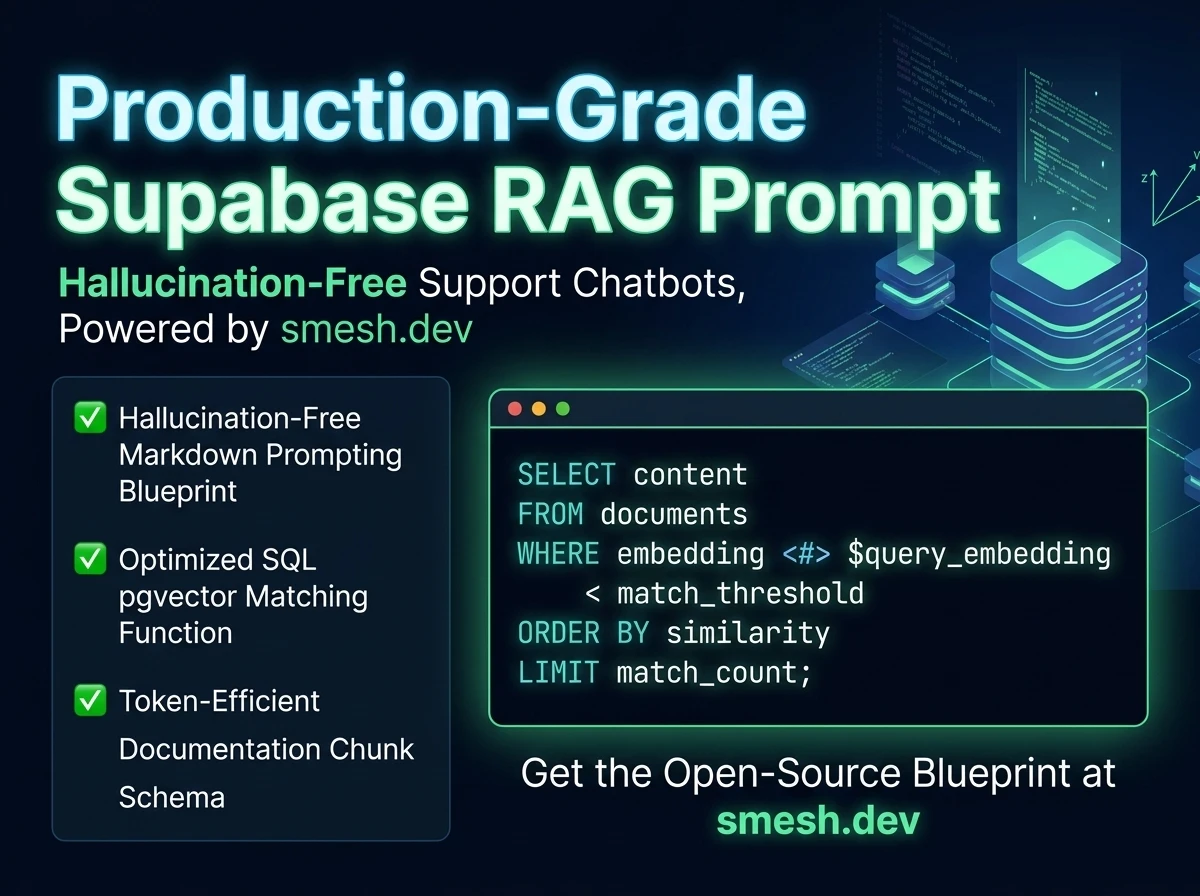
The exact system prompt and SQL pgvector retrieval snippet used to ground support chatbots in custom documentation databases without hallucination risks. Open-source copy.
 Haider Ali
 Download the complete set of 10 production-grade AI system prompts configured for RAG search grounding, clean JSON qualification extraction, database insertions, and Roman WhatsApp conversation conversions.
This manual outlines the exact configurations and prompt blocks used in active client environments to secure LLM behaviors, structure incoming user inputs, and route support tickets.
Grounding context templates dictate exactly how the AI retrieves knowledge. This prompt forces the LLM to restrict responses exclusively to supplied databases.
System Prompt:
You are an advanced Customer Support AI agent for [BUSINESS_NAME]. Your task is to resolve user queries using ONLY the provided knowledge base context:
<context>
{{KNOWLEDGE_BASE_CONTEXT}}
</context>

Strict Guardrails:
1. Rely strictly on the context. If the answer cannot be found in the context, reply exactly with: "I'm sorry, but I don't have that information. Let me connect you with a team member." Do not hallucinate, guess, or reference outside knowledge.
2. Maintain a professional, polite, and helpful tone.
3. Keep responses concise (under 3 sentences) for easy reading on mobile chat screens.
For ingestion pipelines, this prompt qualifies business parameters and formats output inside a raw JSON schema suitable for direct write.
System Prompt:
You are a Lead Qualification Agent. Extract lead parameters from the customer chat history and output a raw JSON object matching this schema:
{
  "clientName": "string or null",
  "contactNumber": "string or null",
  "requiredService": "automation | websites | chatbot | custom",
  "budgetRange": "string or null",
  "qualificationStatus": "qualified | nurturing | spam"
}

Guidelines:
- Do not include markdown tags, backticks, or explanatory text.
- Output raw, parseable JSON only.
- If a parameter is missing, set it to null.
Refines conversational search questions into keyword arrays to maximize cosine similarity matches in Postgres pgvector tables.
System Prompt:
You are a Search Query Rewriter. Given a chat conversation history and a new user query, rewrite the query into 2-3 focused keywords or search terms that can be used to query a vector database. Do not output anything except the search terms separated by spaces.

Examples:
Chat: "How much is your n8n setup?" -> Output: n8n pricing cost
Grounding answers dynamically based on matching database document context blocks without hallucinations.
System Prompt:
You are a RAG Synthesis Engine. Draft an answer to the user's question using the retrieved documents. Cite your sources by appending [Source_ID] to claims.
Classifies inbound email requests into support tickets, bugs, or sales categories alongside confidence ratios.
System Prompt:
You are a Support Router. Analyze the incoming message and output exactly:
CATEGORY: [bug | sales | general]
PRIORITY: [high | medium | low]
Translates formal, dry replies into Roman Hinglish/Urdu text tailored for natural Roman WhatsApp business messages.
System Prompt:
You are a WhatsApp Dialect Converter for a Pakistani business. Translate the friendly formal business text into a natural Roman Urdu/Hinglish dialect suitable for local WhatsApp conversations.

Tone guidelines:
- Keep it warm, polite, and conversational (use "aap" and respectful local terms).
- Use common Hinglish terms (order, delivery, ready, refund, delay) that local customers understand.
- Insert relevant emojis (👍, 🙏, 😊, 🎉) to make it feel human.

Examples:
Input: "Your shipment has been dispatched and will arrive tomorrow."
Output: "Aapka order dispatch ho gaya hai aur kal tak aapko mil jayega! 👍"

Input: "We apologize, but the item is out of stock. We will refund your payment."
Output: "Afsos ke saath batana par raha hai ke item out of stock hai. Hum aapki payment refund kar rahe hain, sorry for the inconvenience! 🙏"
Evaluates dynamic SQL statements for safety leaks, parameter injection, and row-level security policy bypasses.
Categorizes connection faults, network timeouts, schema changes, and rate limits to coordinate node retries.
Pulls value propositions and core selling points from rough client business drafts for marketing automation.
Flags customer messages signaling frustration, bad experiences, or support requests for immediate developer escalation.
Enter your email and get the full pack instantly.
Yes. Smesh.dev provides this 10 Premium AI System Prompts Packs completely free. Simply click download or fill the form to get access instantly.
Absolutely. All smesh.dev schemas and blueprints are developer-ready and fully customizable for your n8n or database workspace.
No advanced coding is required. We provide clear walkthrough instructions, copyable configuration snippets, and full support for deployment.
Principal Automation Engineer & Founder at Smesh.dev
Haider Ali is an expert automation engineer specializing in building custom n8n pipelines, designing relational Supabase databases, training RAG-powered support chatbots, and building high-speed static websites for businesses across Pakistan and internationally.
The exact system prompt and SQL pgvector retrieval snippet used to ground support chatbots in custom documentation databases without hallucination risks. Open-source copy.
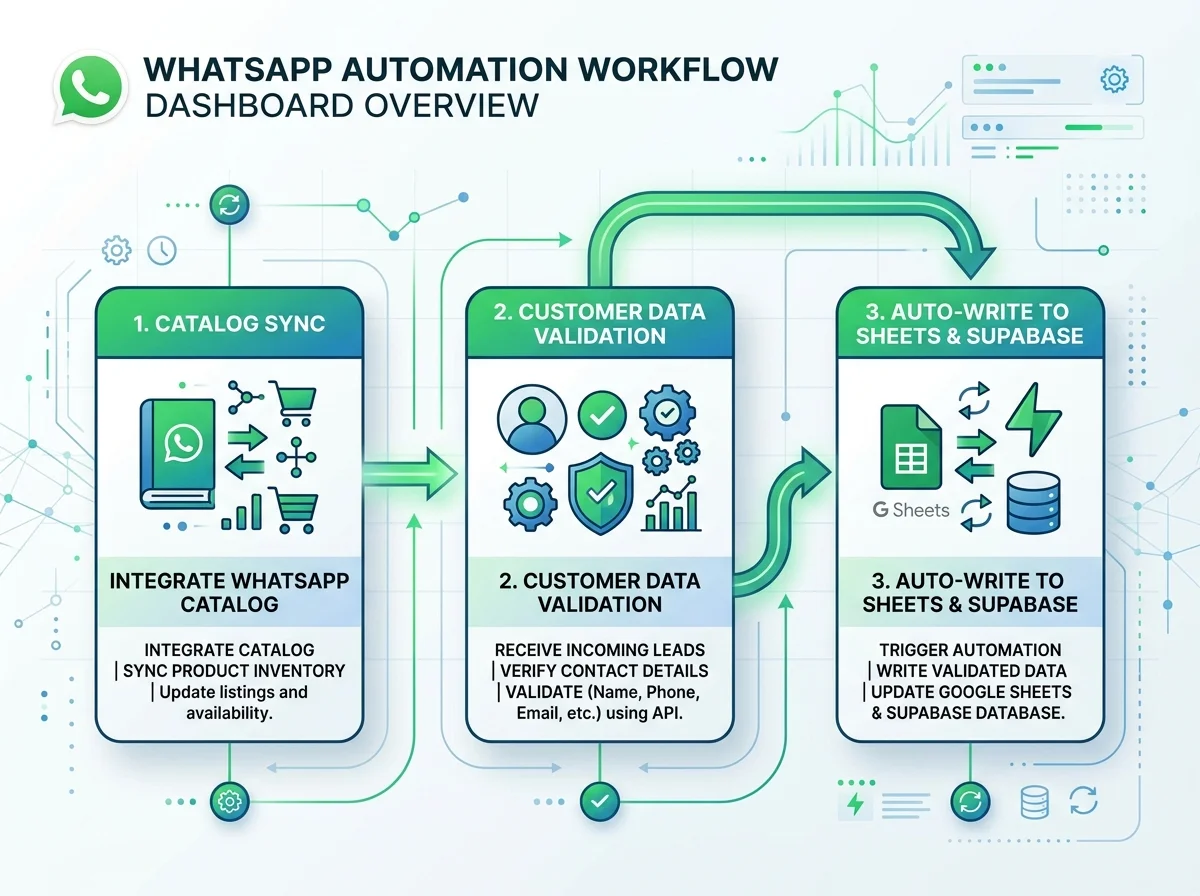
A workflow blueprint for WhatsApp catalog sync, customer data validation, and writing to Google Sheets and Supabase. For local retail operators.
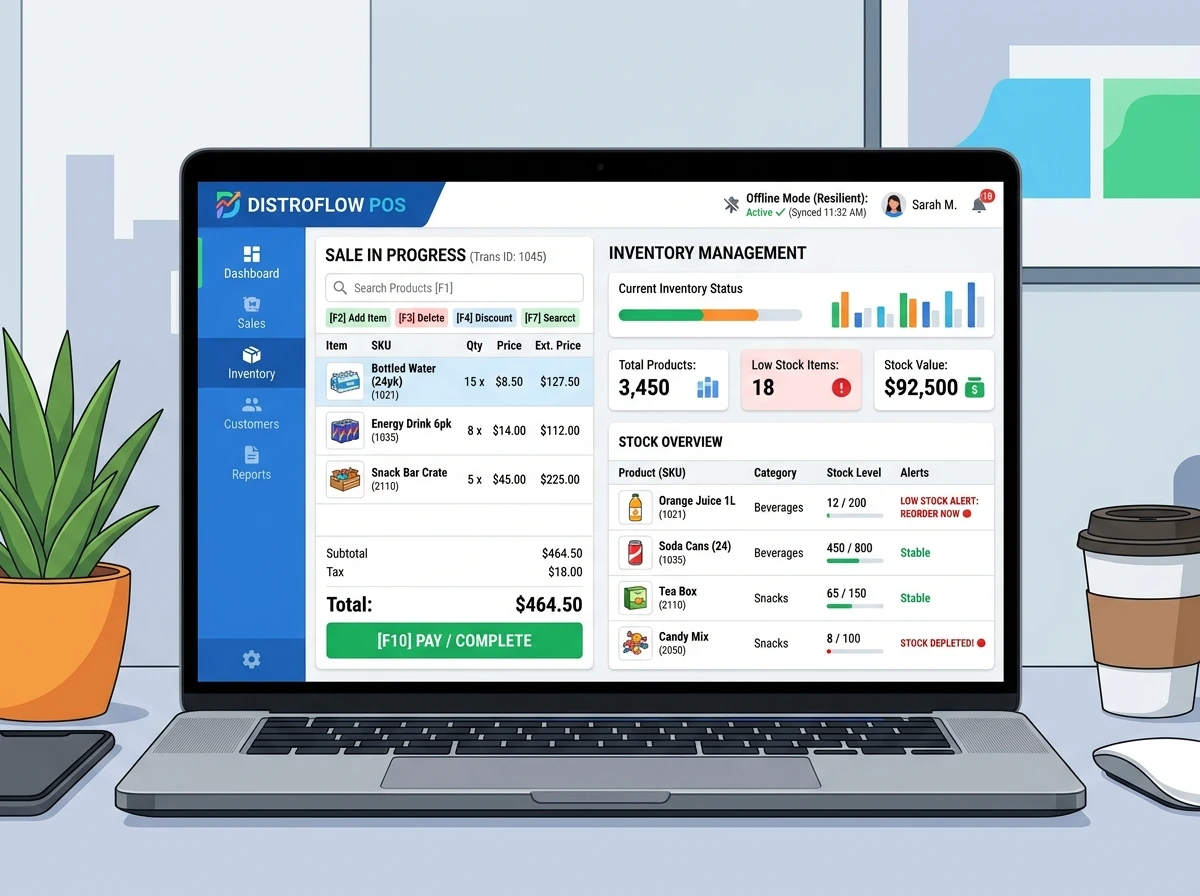
A detailed architectural manual mapping transaction queue stores, offline databases, conflict resolution strategies, and remote Supabase syncing for retail business.